

FileKey v2 Open Beta is Live
Encrypted vaults, multi-key backup, built-in text/markdown editor, support for large files, password and private key generators. Try it and send feedback!
We’re excited to announce that FileKey v2 is now in open beta! You can try it here: beta.filekey.app
What’s New in v2
We’ve kept the things you love about v1 (accountless, passkey encryption, offline, PWA, etc) and added some great new features:
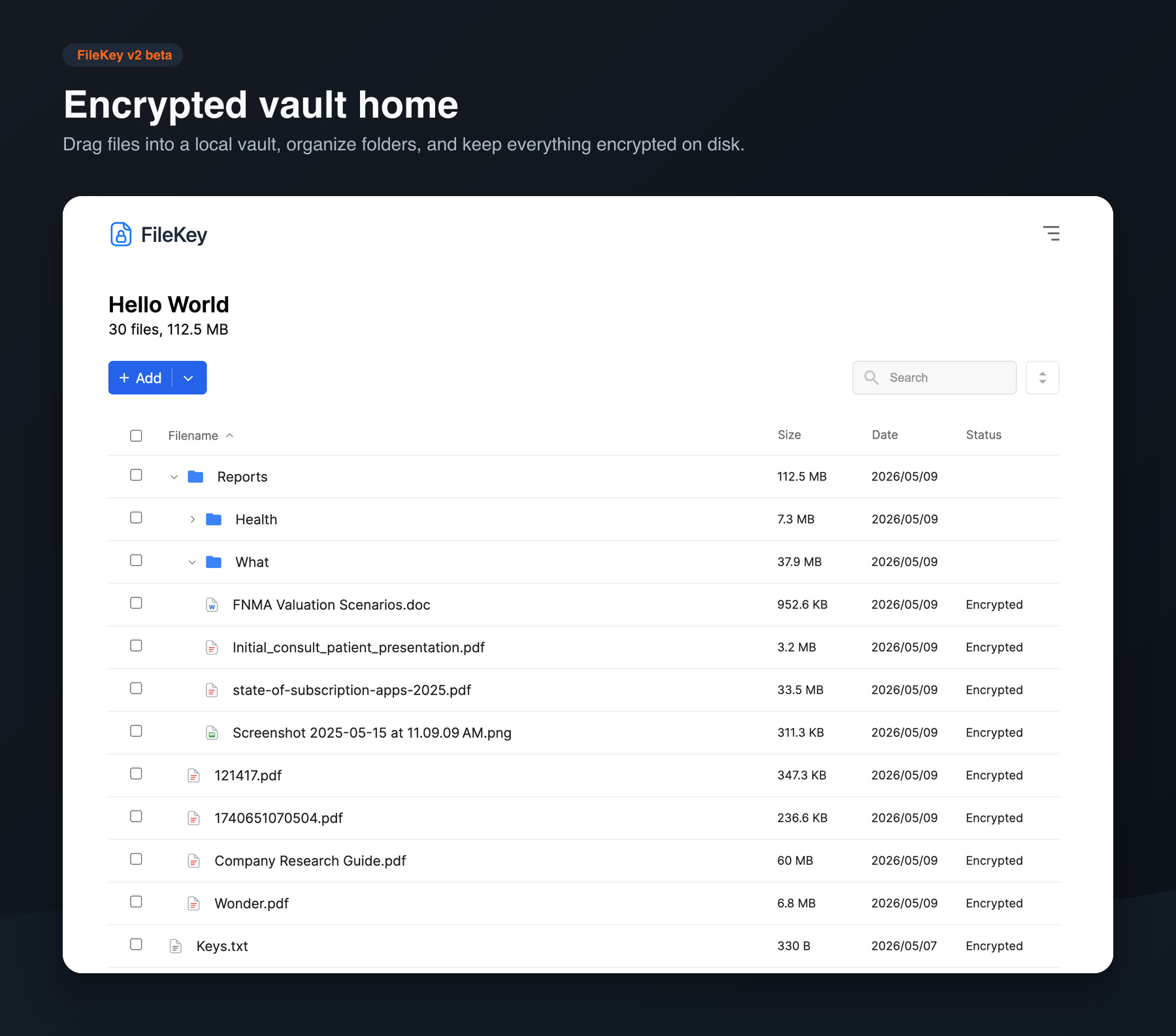
🛡️ Encrypted Vaults — create local-only vaults locked by your passkeys.
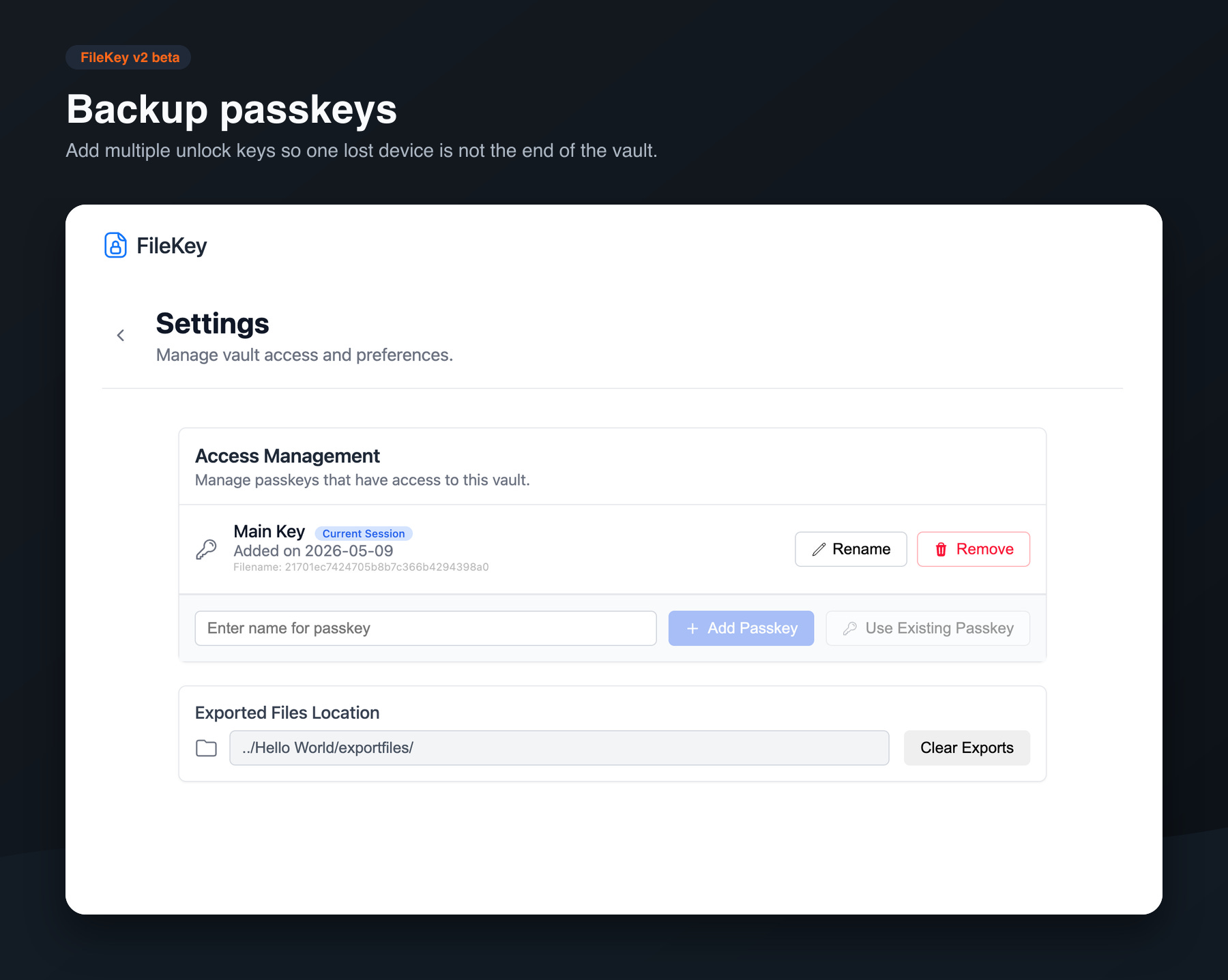
🔑 Multi-key support — register backup keys to vaults (a second YubiKey, iCloud Keychain, 1Password, Google Password Manager, etc.), so you won’t get locked out if you lose your main key.
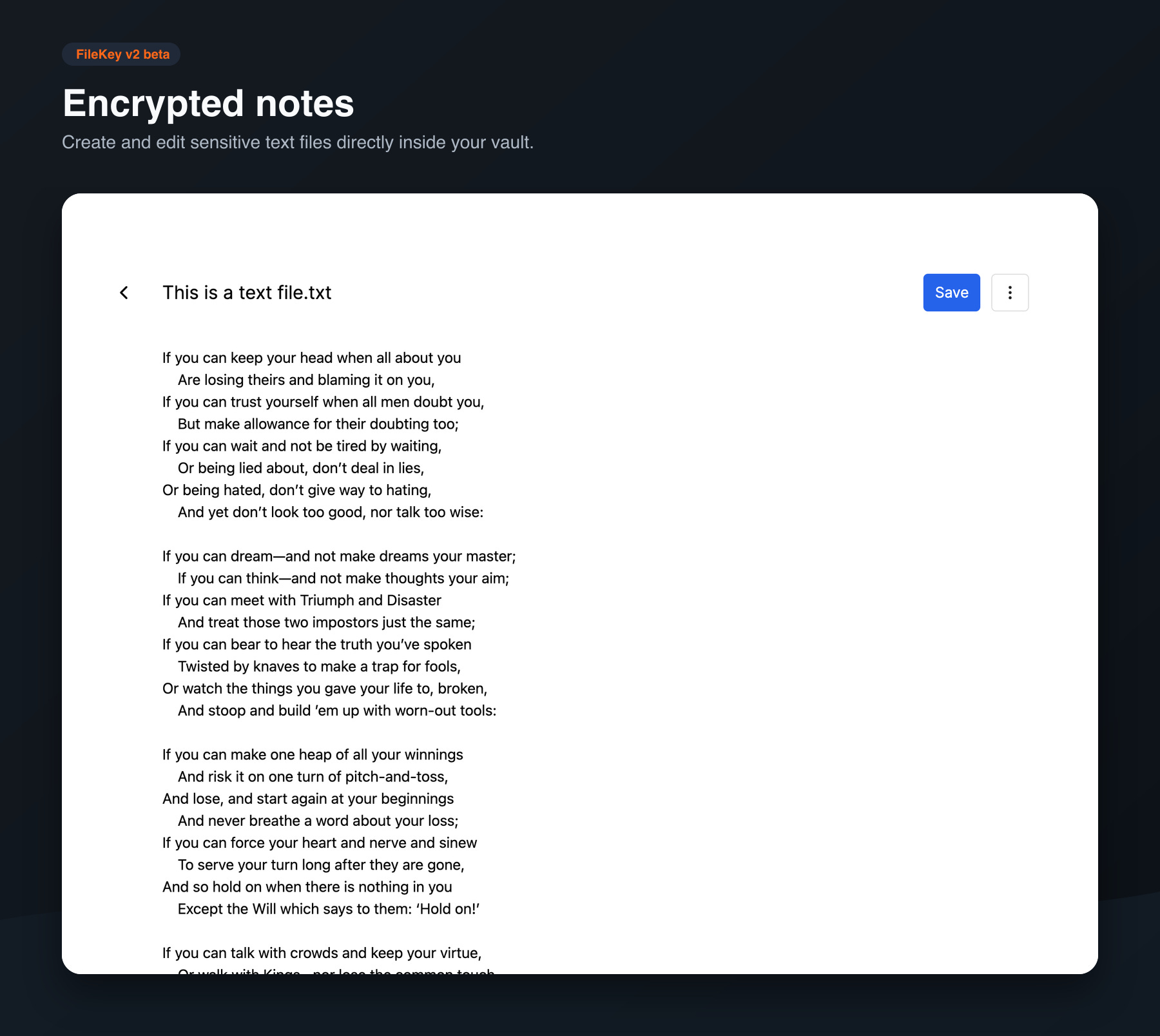
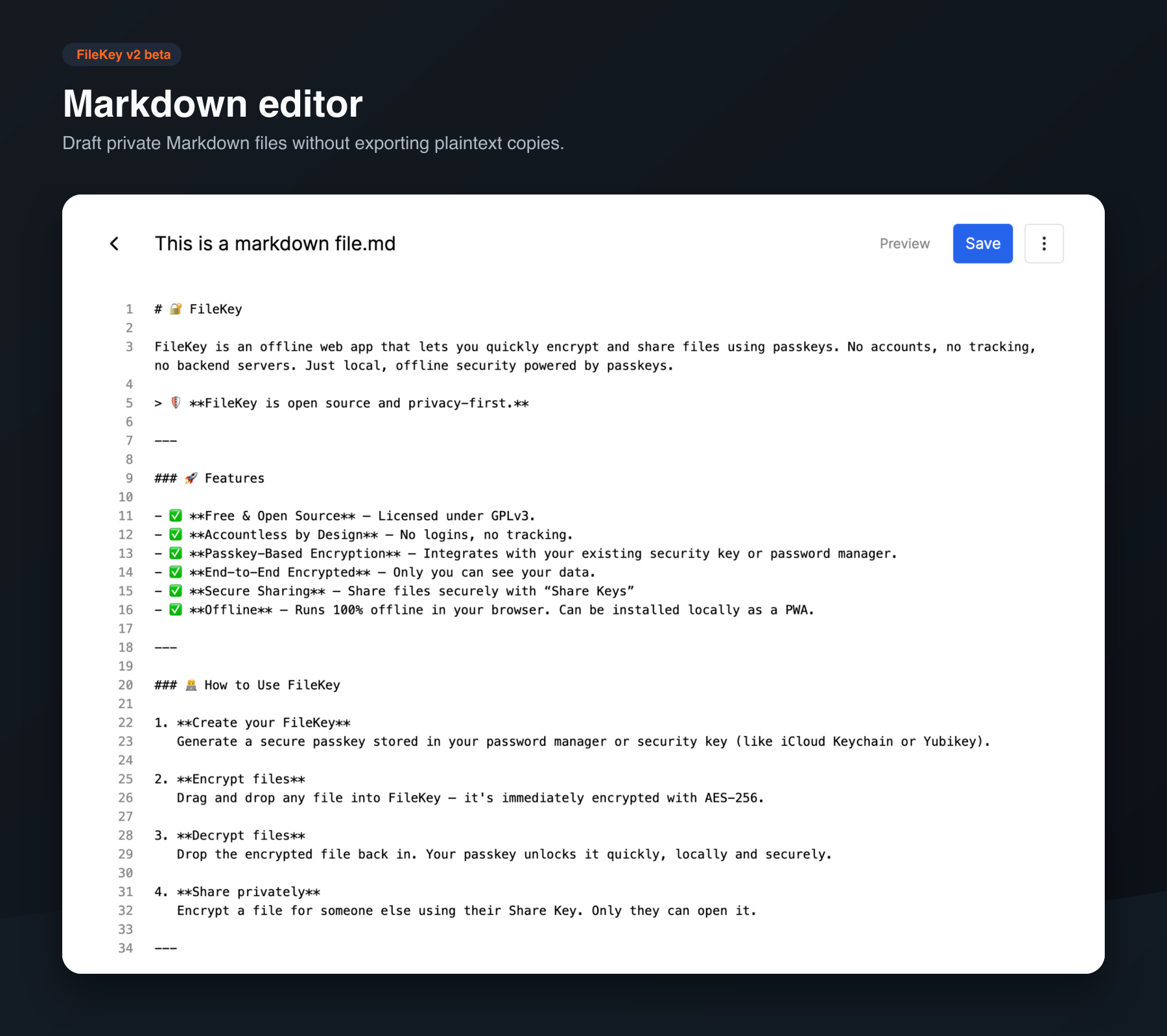
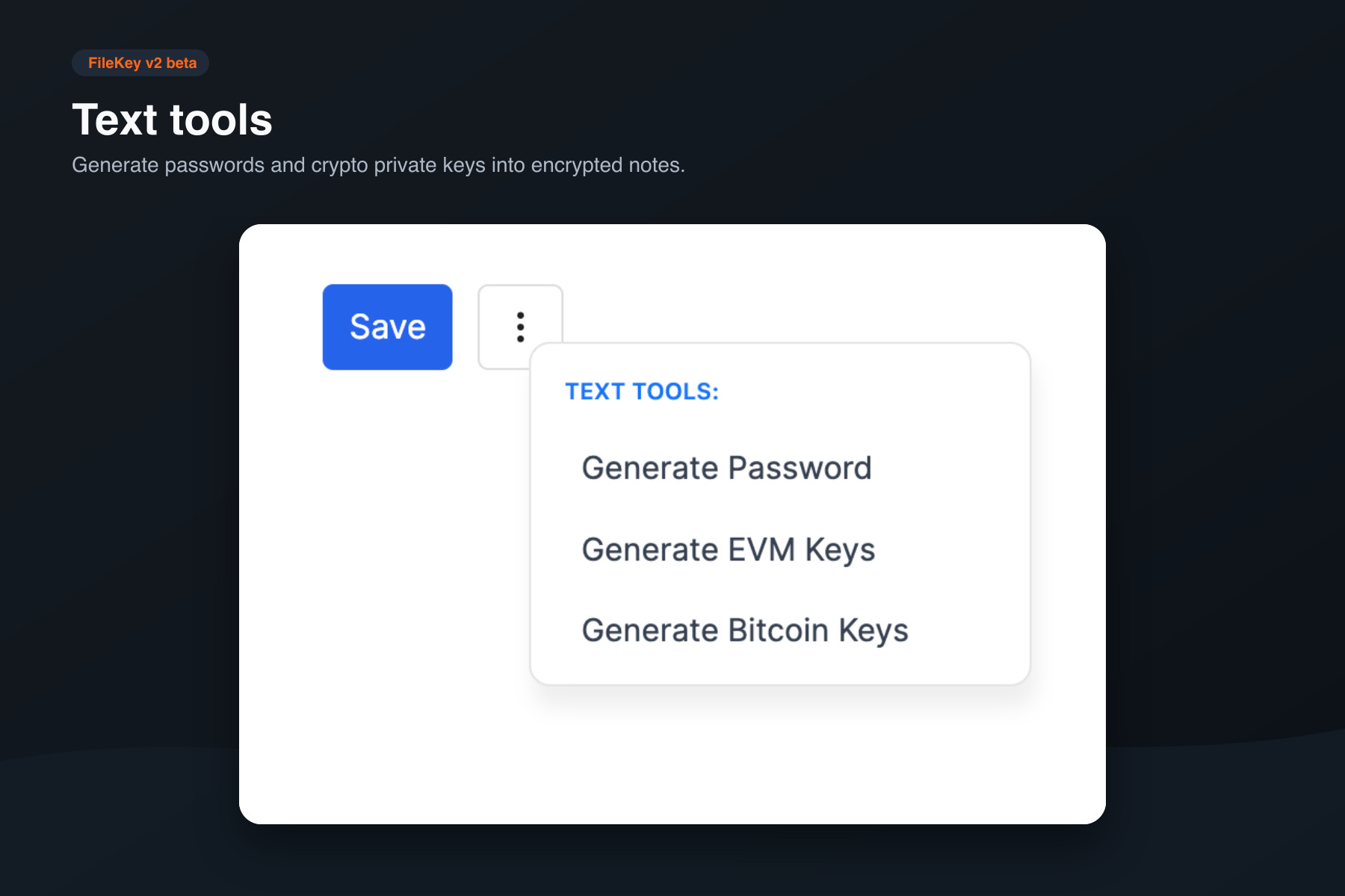
📝 Built-in encrypted text & markdown editor — sensitive notes, recovery phrases, API keys. Inline password and Bitcoin/EVM private key generators included.
💾 Large file support — chunked encryption pipeline so you can encrypt files of any size without the browser tab choking.
Requirements
Latest desktop version of Chrome, Edge, or another Chromium-based browser.
Some Chromium browsers may require enabling the File System API in browser flags, such as brave://flags
A compatible password manager (e.g. iCloud, Google) or a hardware security key that supports FIDO2 and PRF (like the YubiKey 5 and Bio Series)
For hardware security keys, your browser and operating system needs to support WebAuthn and the PRF extension.
Screenshots
Feedback
You can access the FileKey v2 beta here: beta.filekey.app
Have feedback? Feel free to send through any of these channels:
Email: contact@filekey.app
It would be really great to have mobile support for V2, especially in browsers like Brave/Chrome in Android, I believe in iOS it is not possible due to how browsers work there, but I might be wrong.
This will allow you to share files over email or maybe even sync them with Google Drive/Proton Drive or other means, and work with them on mobile, computer or anywhere else.
Thereby delegating the encryption task to FileKey, and retaining the sync part with Drive.
Also, would it be correct to say, the decrypted version of the file is ALWAYS ONLY IN RAM, or does decrypting the vault lead to temporary decrypted files in the vault folder?
Looks great and and thank you for continuing to improve the tool :)
Can I confirm that v1 and v2 are intended for differing use cases:
v1 enables me to encrypt/decrypt single files with my own keys and also share using other peoples pre-shared key codes
v2 is more of a central store of >= 1 file, focussing on my own keys, but lacks the functionality to encrypt files with pre-shared key details